Speaker badge: your talk, visible across your whole network
Once you've said yes to a talk, usually nothing happens next. Yet that is exactly the moment to announce your appearance. A speaker badge does that for you, a finished image in the look of the event that you post on LinkedIn to announce that you're speaking there.

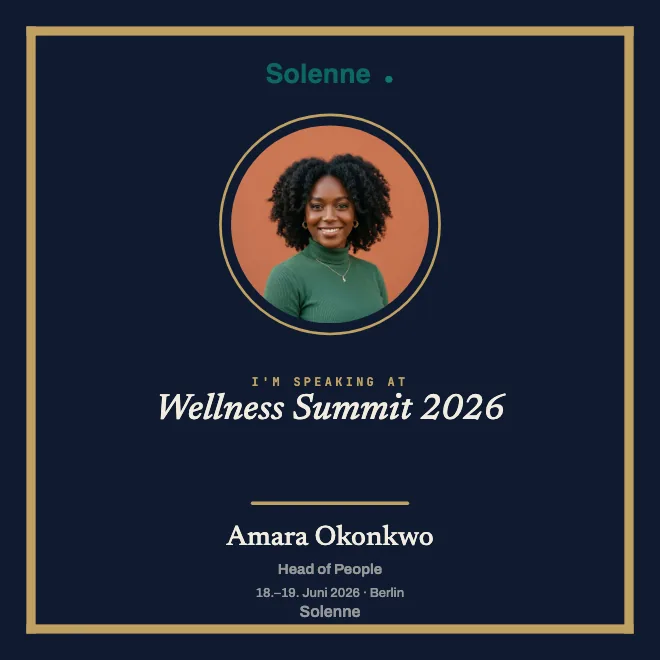
What a speaker badge does
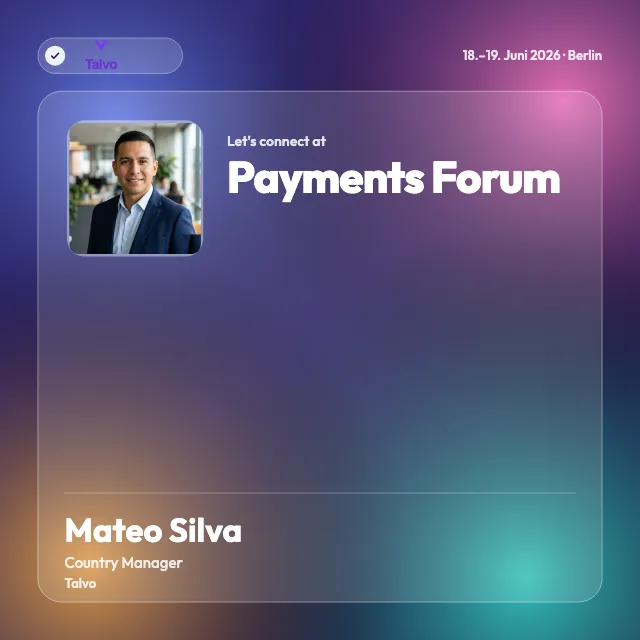
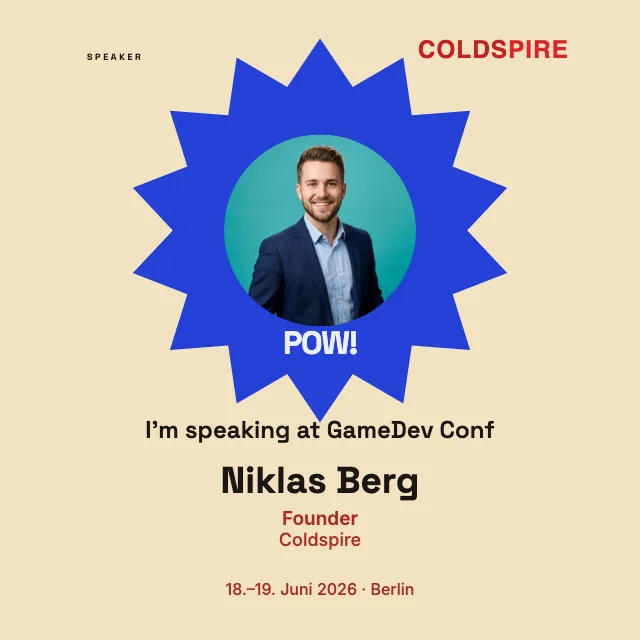
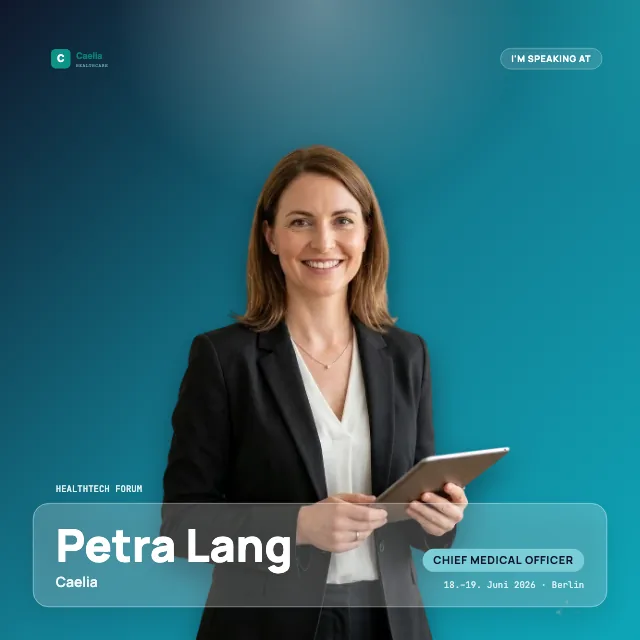
A speaker badge is an image that makes your appearance visible long before the stage is built. It carries the name of the event, the date and the line that you're speaking there, along with your photo and your name, all in the design of the event. You post it on LinkedIn, and your network sees at a glance where you'll be heard next.
The real value lies in the distribution. An event has one channel, while a speaker has their own audience of colleagues, clients and acquaintances from the field. When ten speakers announce their appearance, the event speaks in ten networks at once, where no paid ad would ever land. And because a strong image sticks in the feed, hardly anyone just scrolls past. That is how anticipation turns into real reach.
Styles and formats: a gallery of real templates
As a speaker you don't have to design anything, because the look comes ready from the organizer. So you know what to expect: the range runs from a calm look in company colors to the dark, technical look for a conference. The gallery of templates shows real examples, and you can see a few of them here too.
The organizer prepares a square (1:1), portrait (4:5), story (9:16) or landscape (16:9) badge. You receive that format. If there are several variants, a shared selection page first takes you to the badge you want.
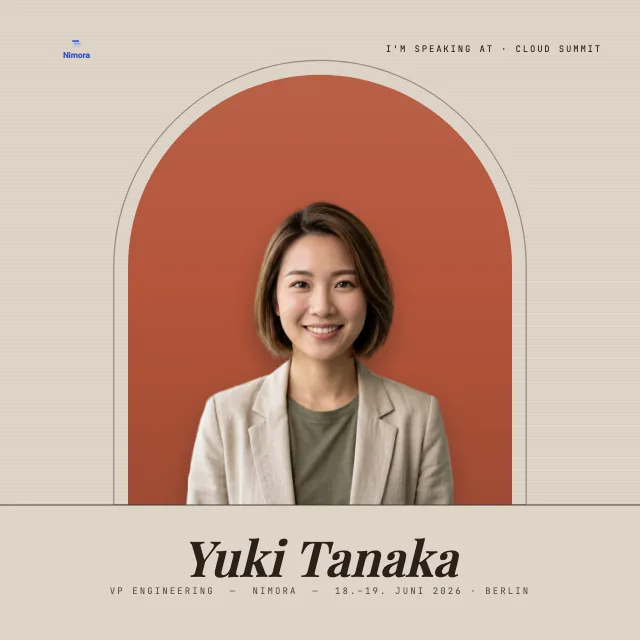
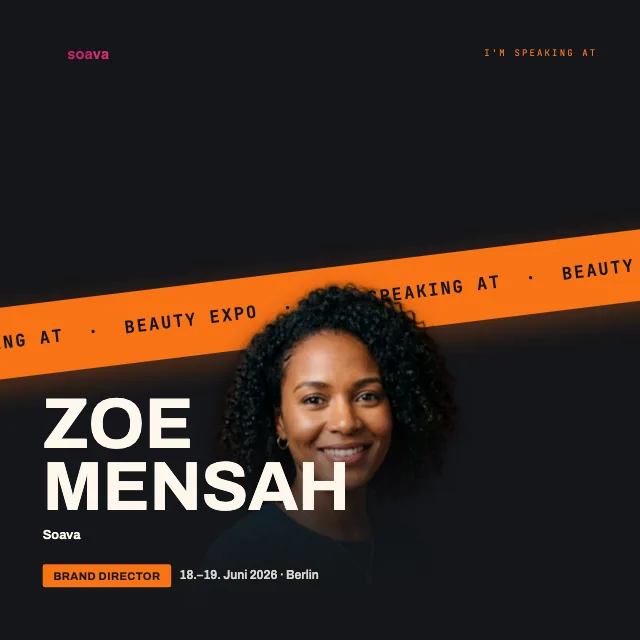
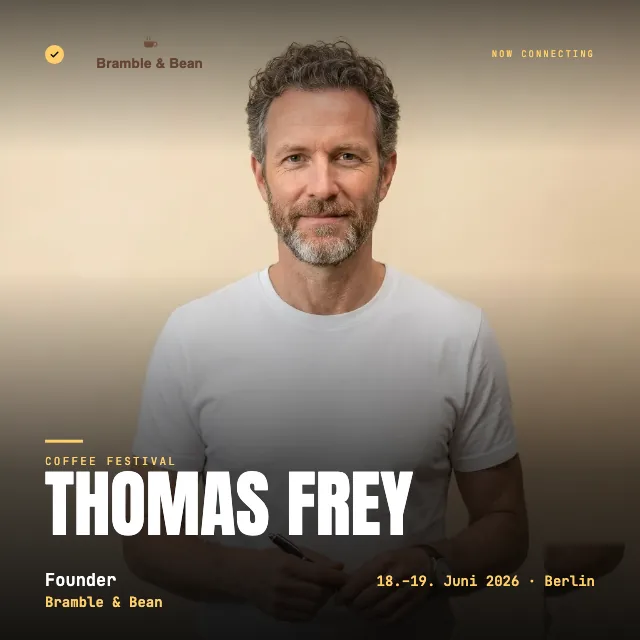
How the speaker shares it: the process
As a speaker you get a link from the organizer, nothing more. You open it, upload your photo and add your name. You need no account for it, no sign-in, no password, nothing to remember. You download the finished image and post it on LinkedIn, along with a few lines about what you're speaking on and why you're looking forward to it. It takes barely longer than the coffee you drink alongside.
What you write in the post has a say in how far it travels. A concrete thought on your topic almost always works better than a dry announcement. Post early enough, and the people still deciding whether to come will see it too. If you're looking for ideas for the text and the right timing, the guide on how to promote your event on LinkedIn helps.
The video shows this process from a speaker's point of view: opening the link, entering name and role, adding a photo, adjusting the crop and saving the badge as a PNG.
For organizers: hand the badge over ready to go
Are you on the other side, setting this up for your speakers? Then design the badge once in the look of your event and send every speaker the same link, so the design never falls to each individual. The speaker only adds a photo and name, and the frame stays exactly as you built it. The whole process from your side, from creating the “I'm speaking” template to sending it out, is described on its own page. And for whatever else a LinkedIn badge can be, the create a LinkedIn badge page explains it.
After the event: the attendance certificate
The badge announces; the certificate stays. If the organizer issues an attendance certificate after the event, you add it to your profile with one click, in the Licenses & certifications section. The appearance you announced beforehand becomes lasting proof. The statement comes from the organizer, not from LinkedIn; how it stays verifiable is explained on the certificate page.
Related
Frequently asked questions
- Is the speaker badge free?
- For you as the speaker, yes. You need no account and pay nothing: you open the link, add your photo and name and download the finished badge. The organizer sets up the event with OneClickBadge and designs the badge and certificate before they commit.
- Does the speaker need an account?
- Speakers open the link without a OneClickBadge account. Organizers can also create badges without an account and edit them through the administration link. Additional account features and standard certificate setup require an organizer account.
- Does the event's logo go on the badge?
- Yes. When designing, the organizer sets the logo and colors so the badge looks like the event. The logo sits on every badge the speakers share, no matter who is posting. Whether it stays subtle or appears large is decided by the template.