Your best marketing team is already on the guest list

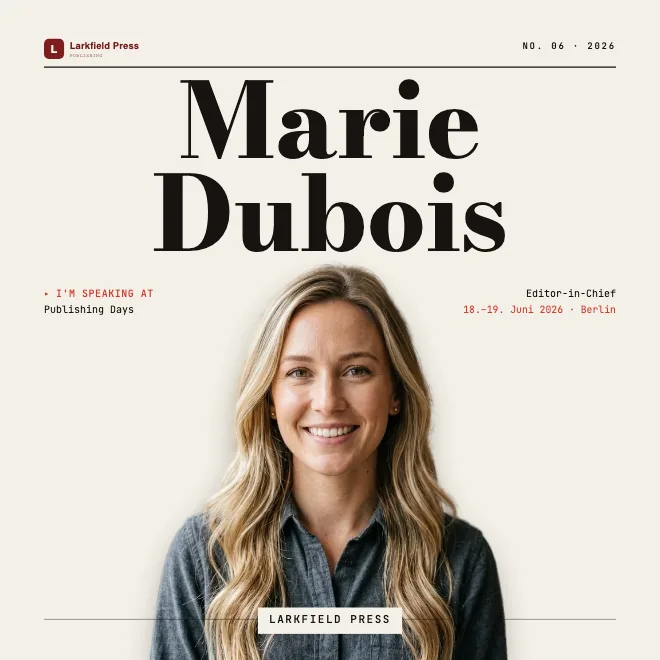

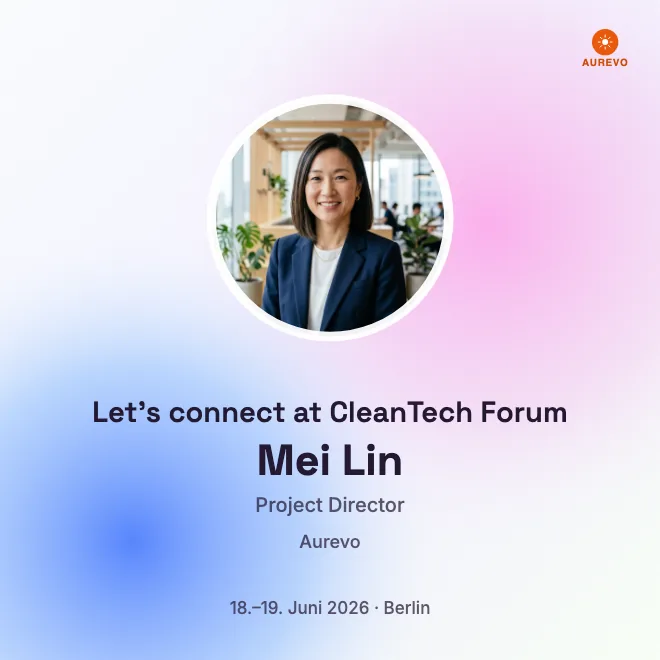

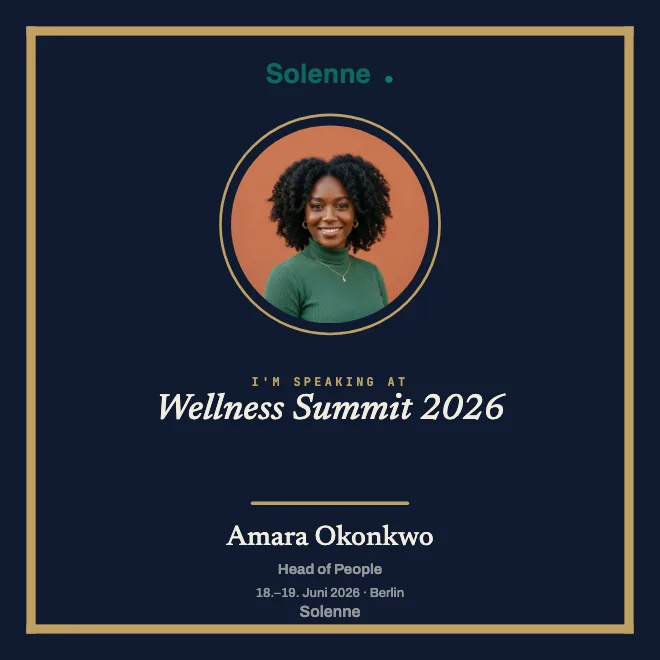









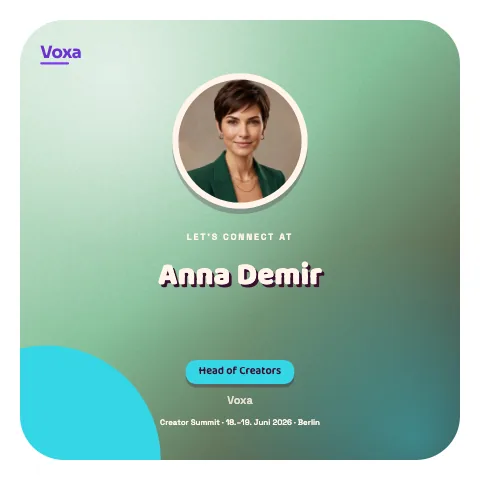
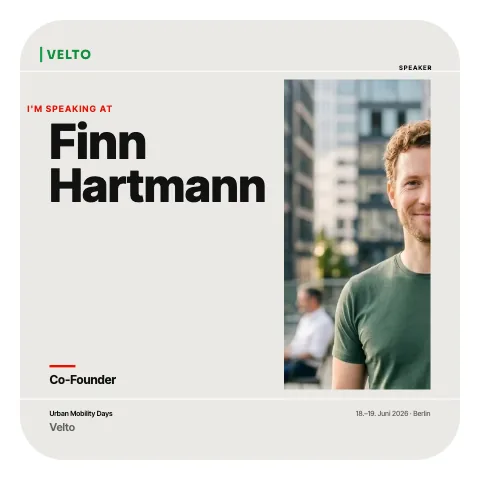
You design a badge with your event's branding and share the link. Speakers and guests add their name and photo, then share their personalized badge with their own networks.
From a headache to something that runs itself.
Four hurdles stand between your event and real reach.
Design a badge. Share the link. Let them post.
Create your badge in your browser, on your computer or phone. Live in minutes, no app download needed.
Full control. Zero admin stress.
Automated self-service for your guests, full oversight for you. Securely hosted in the EU and ready to go right away.
Share instead of chasing
Let guests and speakers fill in their profiles themselves. Pick a role below and copy the link to try it!
No sign-up
No account or password needed. Guests open the link and add their details.
GDPR-compliant
Hosted in the EU. Profile photos are processed right in your guests' browser.
Every event at a glance
Manage all your events and check their status from one dashboard.
Reuse templates
Brand it once, use it endlessly. Your design is instantly ready for every follow-up event.
Over 250 templates.
Over 100 backgrounds. Enough.
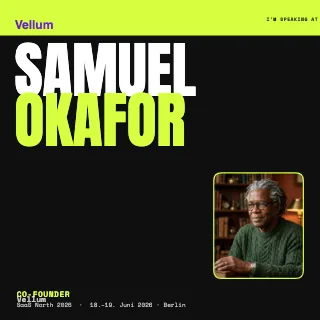
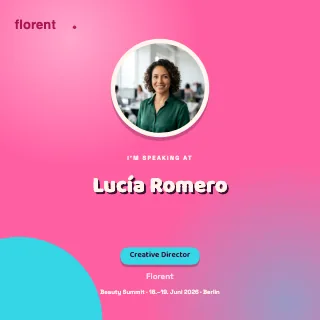
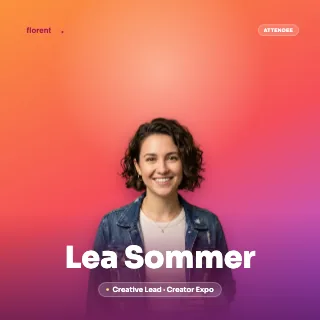
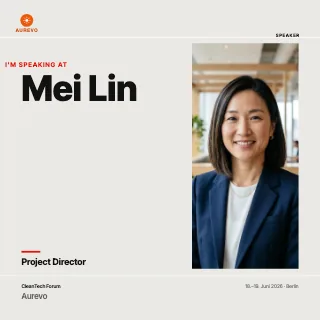
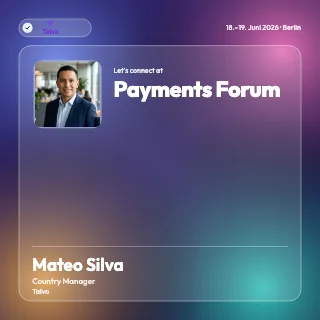
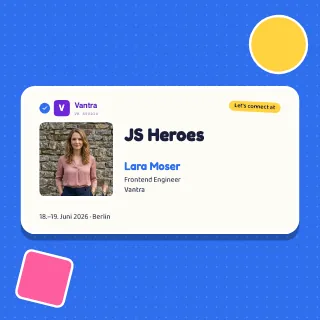
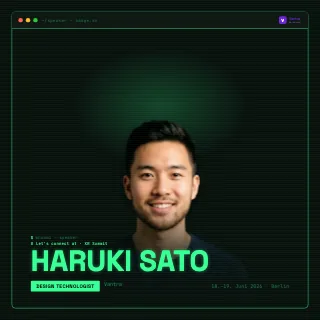
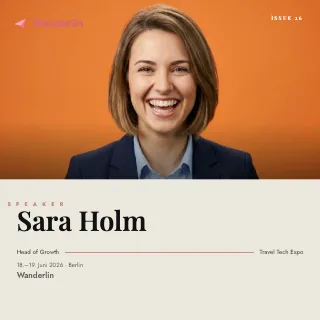
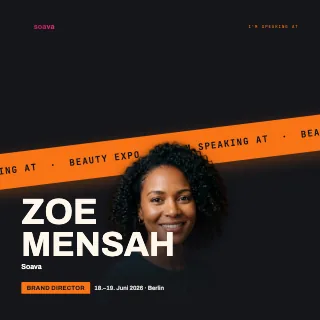
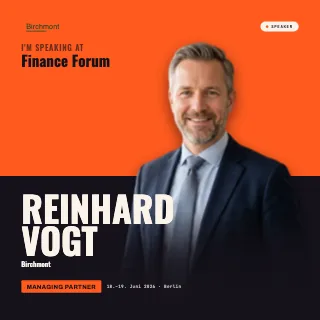
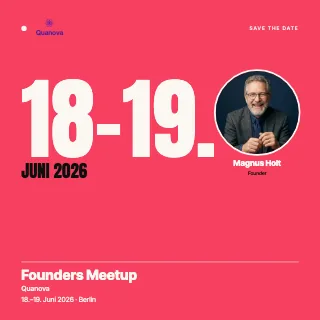
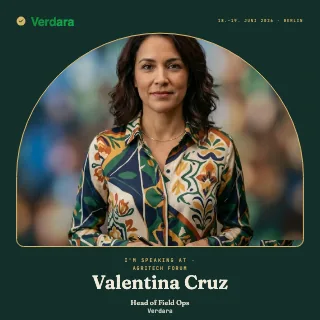
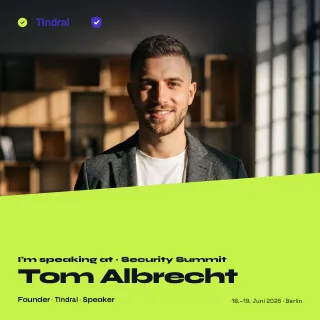
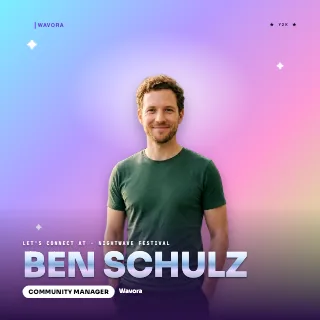
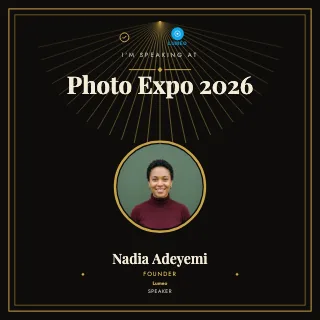

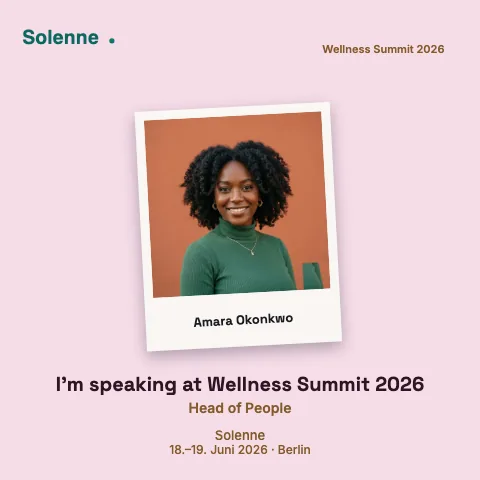
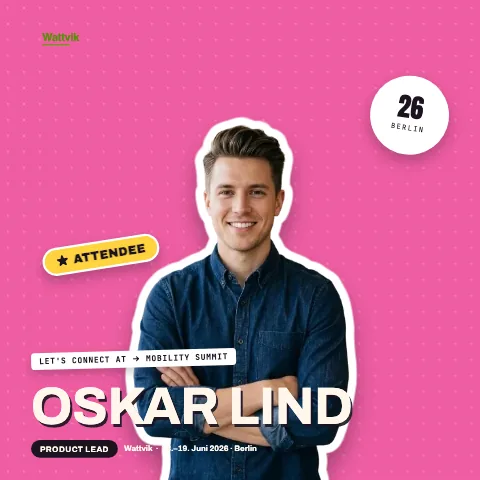
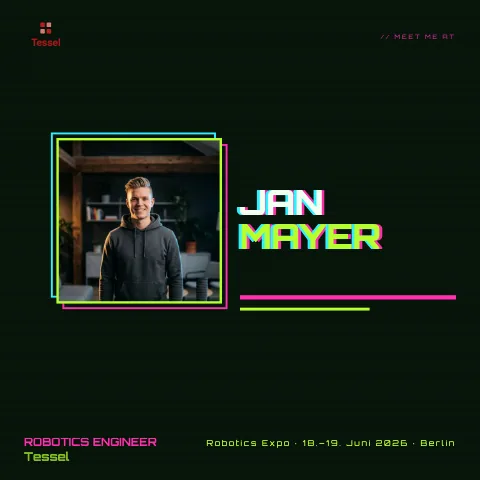
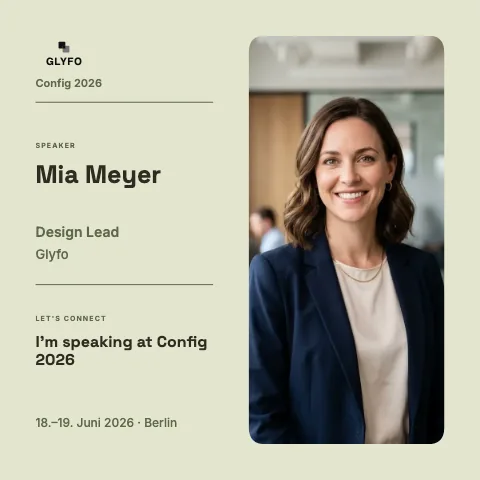
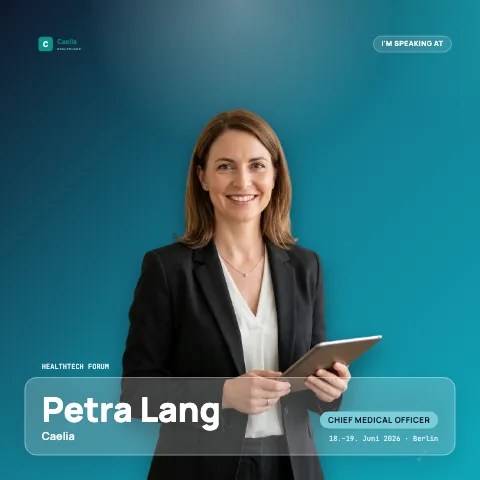
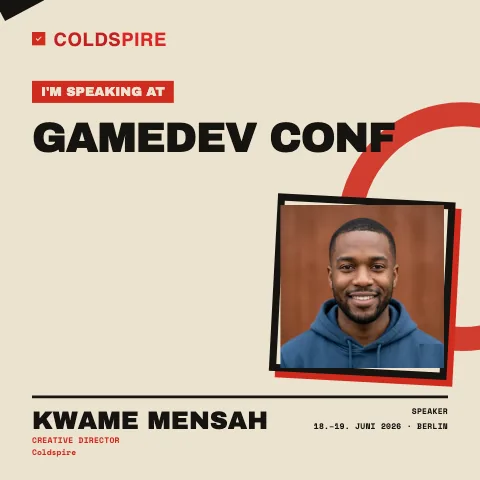
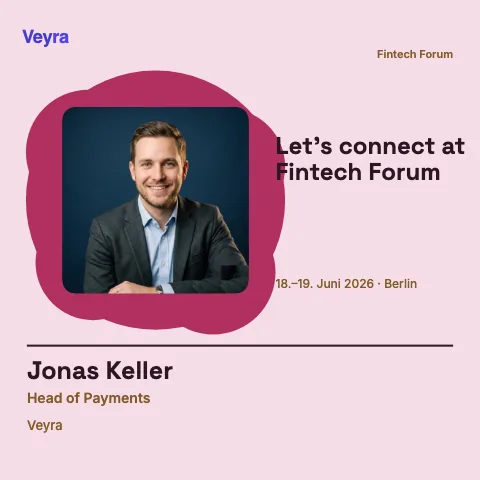
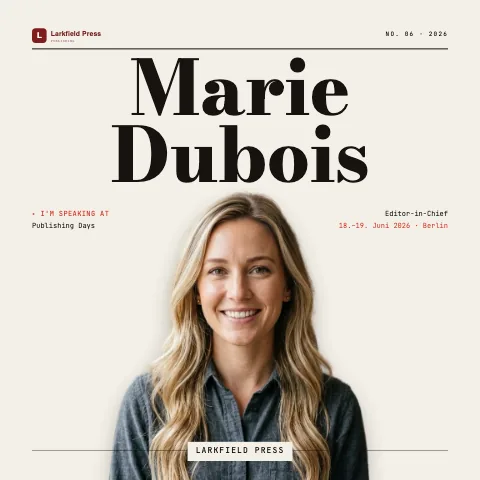
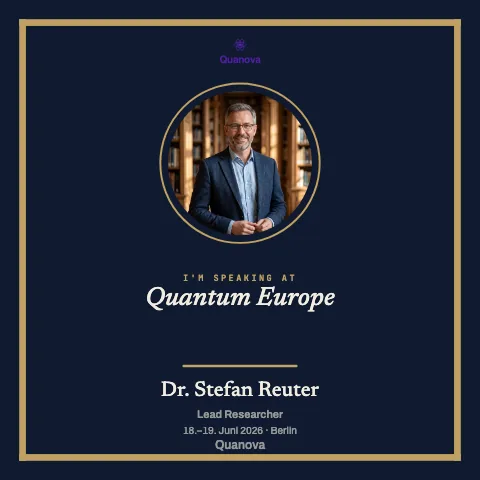
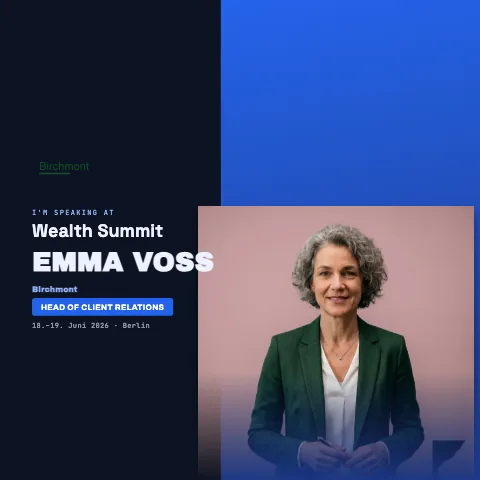
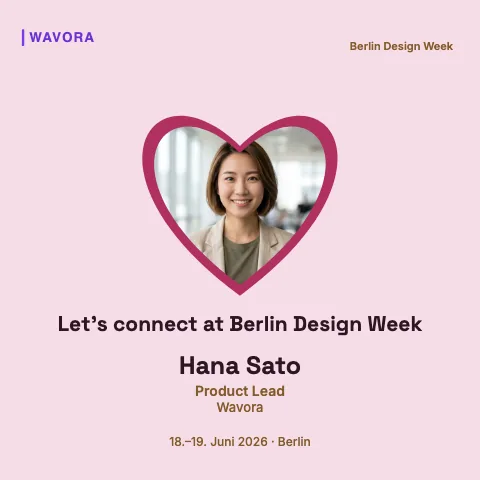
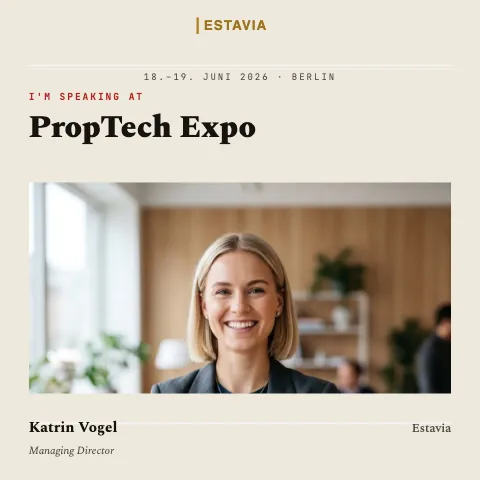
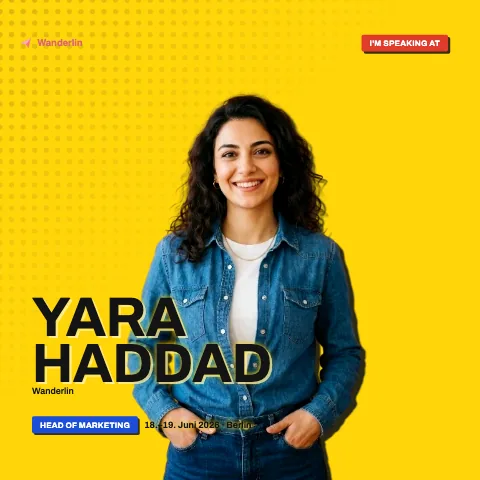
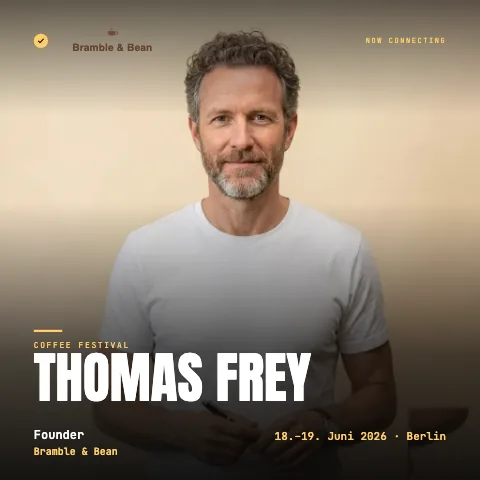
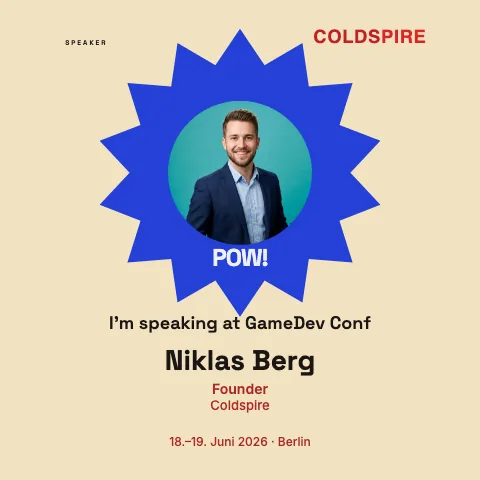
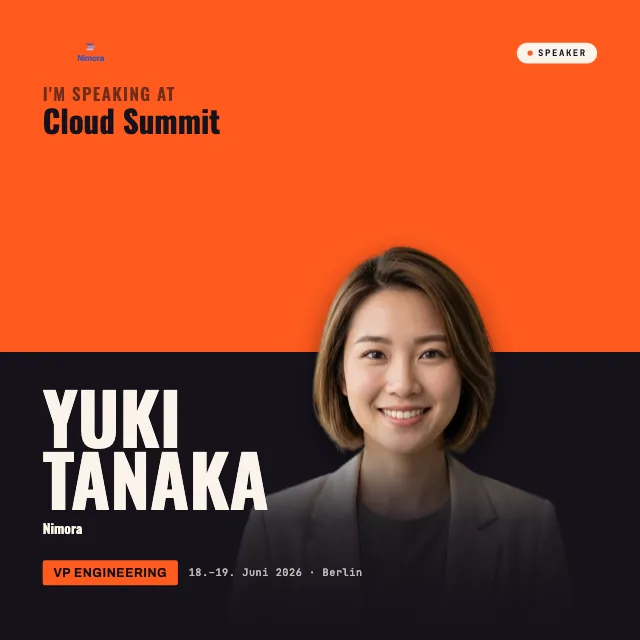
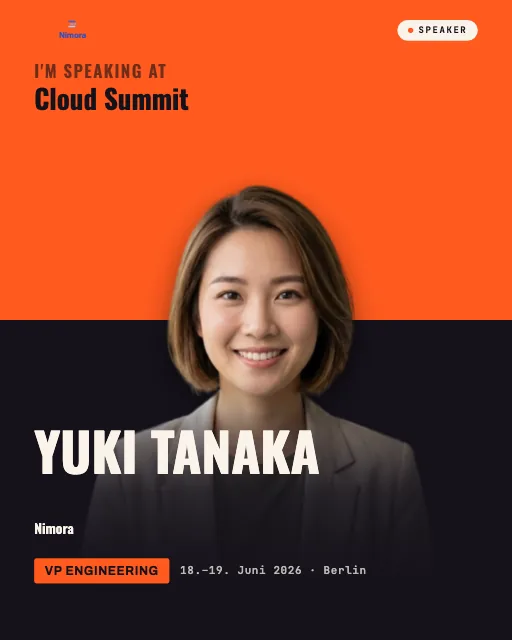
Design once. Post everywhere.
The same design flows into every format automatically, from the square post to the vertical story. No rebuilding, no cropping.
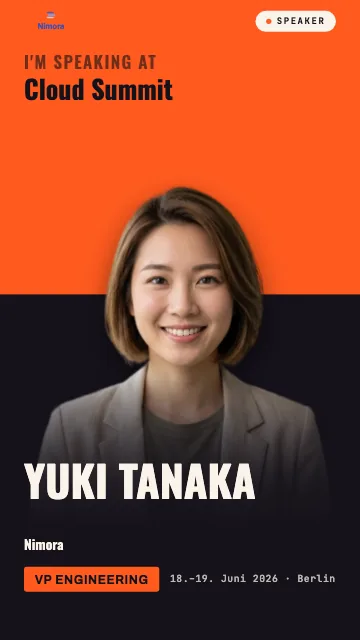
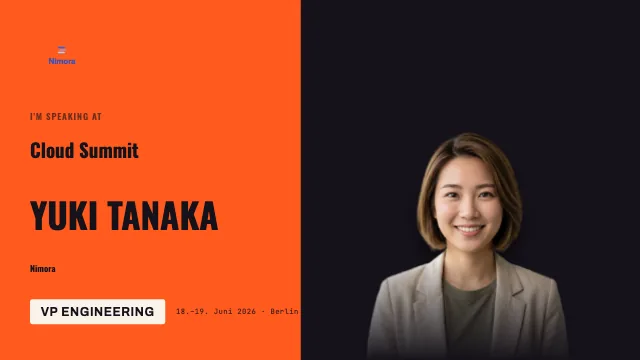
From badge to certificate.
First in the feed.
Before the event, your guests post their badge and their network sees they're going.
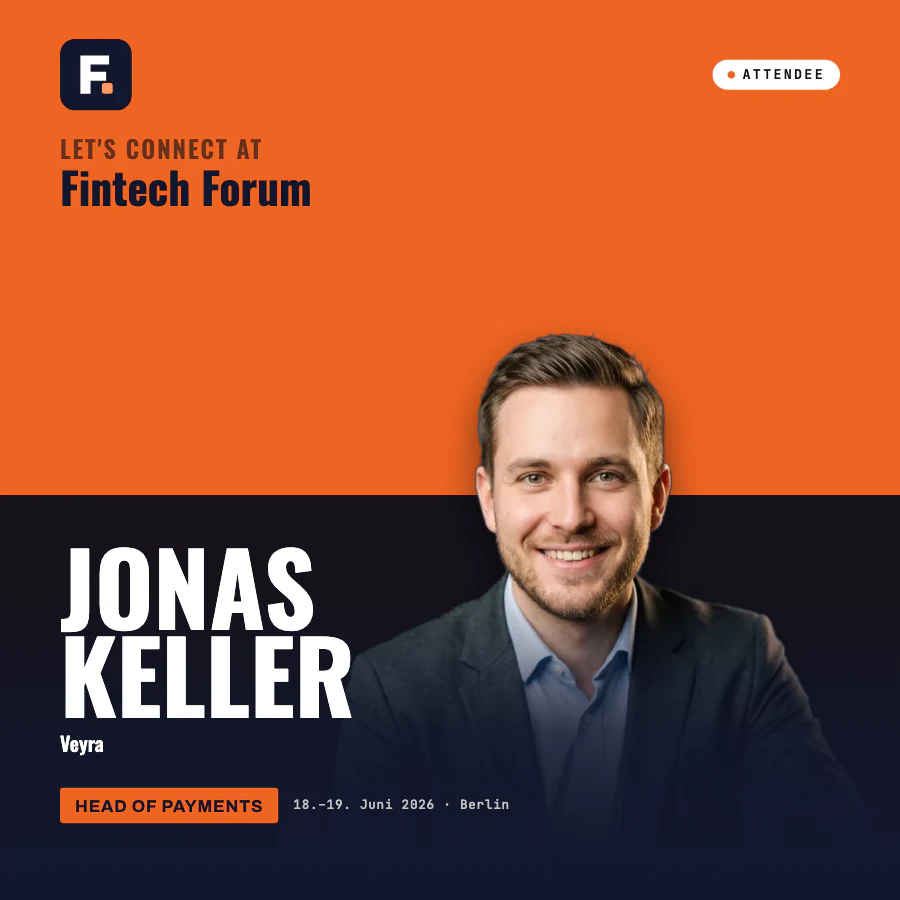
Then on the profile.
After the event, your guests claim their certificate. It stays on LinkedIn, with your event as the issuer.
Your event. It's on us.
While OneClickBadge is in early access, a free account unlocks every feature. Events you create during this time stay free after it ends.
Start right away, no sign-up needed.
Excitement worth sharing
Personal badges for your speakers and visitors, with matching templates and links for your guests.
- Badge editor with over 250 templates
- Badges for speakers and visitors
- 1:1 format
- Animated badgesnot included
- Guest page with your brandingnot included
- Brand kit and your own share link previewnot included
- Roadmap and download countsnot included
- All your event's badges on one pagenot included
- Certificates of attendance after the eventnot included
Early access price. Then €39 for each new event.
A look that fits your event
Design badges and the guest page to match your brand, with more badge types, animation and every format from feed to story.
- Badge editor with over 250 templates
- Badges for speakers and visitors + up to 6 additional badge typesFor press, sponsors or exhibitors, for example
- Formats 1:1, 4:5, 9:16 and 16:9
- Animated badges
- Guest page with your branding
- Brand kit and your own share link preview
- Roadmap and download counts
- All your event's badges on one pagenot included
- Certificates of attendance after the eventnot included
Early access price. Then €79 for each new event.
Give your guests something that lasts
Bring your event badges together on one page and issue certificates of attendance your guests can also show on their LinkedIn profile.
- Badge editor with over 250 templates
- Badges for speakers and visitors + up to 12 additional badge typesFor press, sponsors or exhibitors, for example
- Formats 1:1, 4:5, 9:16 and 16:9
- Animated badges
- Guest page with your branding
- Brand kit and your own share link preview
- Roadmap and download counts
- All your event's badges on one page
- Certificates of attendance after the event
Lots of events a year? The flat rate gives you Premium for as many events as you like: after early access €49 a month, billed annually (€588 a year).
Plus, Premium and the flat rate are for companies, associations and self-employed professionals.
Still have questions?
What does OneClickBadge cost?
Because we're just launching, everything is free right now, and an event you create now won't cost anything later either. You can get started straight away.
Do our guests need to sign up or install anything?
No. They just open the link, drop in their photo and post. No account, no app.
How do we share the links with our speakers and guests?
Share the links by email or chat. Speakers and guests can then personalize their badges and share them with their networks.
Does it work for sponsors or exhibitors too?
Yes. Since you can freely customize the text fields and roles in the editor, the badges work just as well for sponsors, partners or your own organizing team.
Can we issue certificates to our guests after the event?
Yes. You create a certificate in your account and share its link, for example as a QR code at the exit. Your guests enter their name, save the certificate as a PDF or image and add it to LinkedIn. Every certificate can be verified via its QR code, and if you revoke one, its verification page shows that right away. Only you need an account, your guests don't.
Which platforms do the badges work on?
Wherever your network is active. Download your badges as high-resolution images in formats such as 1:1, 4:5, 9:16 and 16:9. Use them for feed posts, stories and banners on LinkedIn, X, Instagram, WhatsApp or your event website.
Guides and templates for your event
LinkedIn Playbook
Free LinkedIn playbook for event organizers: a plan from six weeks before to two weeks after, plus eight templates to copy. As a PDF, no sign-up.
Read the guideGet speakers to post
How to get speakers and exhibitors to announce your event: the invitation email with the confirmation, the reminder that doesn't nag, the right timing.
Read the guideCustomize your event
Design your event's recipient page with layout, color style, cover image and welcome message, and adjust the link preview. With video and text examples.
Read the guide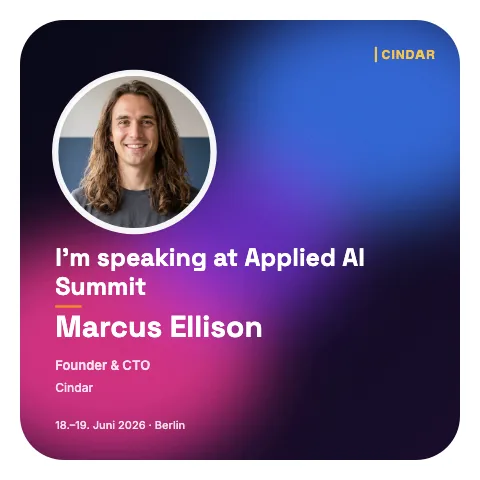
Start now.
Let your guests spread the word.
Create your event, share the links, done.
Your guests do the promotion.